Zoho CRM for Small Businesses
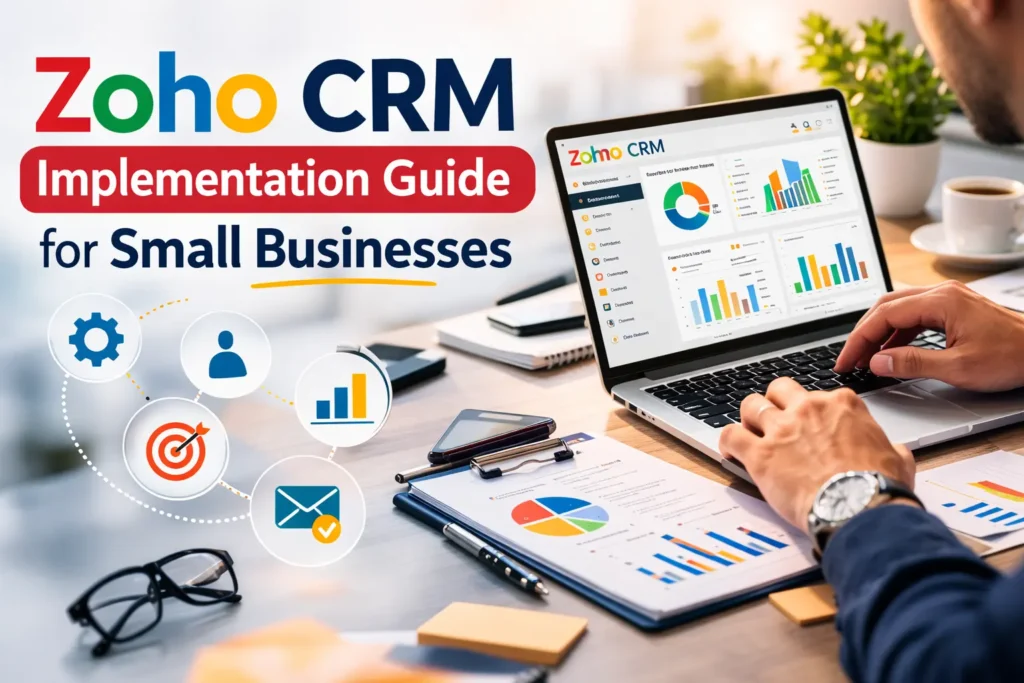
Small businesses today need powerful tools to manage customer relationships, sales pipelines, and marketing activities. This is where Zoho CRM becomes an essential solution.
Zoho CRM helps businesses track leads, automate workflows, manage customer interactions, and improve sales performance. However, to fully benefit from the platform, proper implementation is crucial.
In this guide, we will explain the complete Zoho CRM implementation process for small businesses, including planning, setup, customization, automation, and best practices.
What is Zoho CRM?
Zoho CRM is a cloud-based customer relationship management platform designed to help businesses manage leads, contacts, deals, and customer communication in one centralized system.
Key features include:
Lead and contact management
Sales pipeline tracking
Workflow automation
Email integration
Sales analytics and reports
AI-powered sales assistant
For small businesses, Zoho CRM offers an affordable and scalable solution to manage growth efficiently.
Why Small Businesses Need Zoho CRM Implementation?
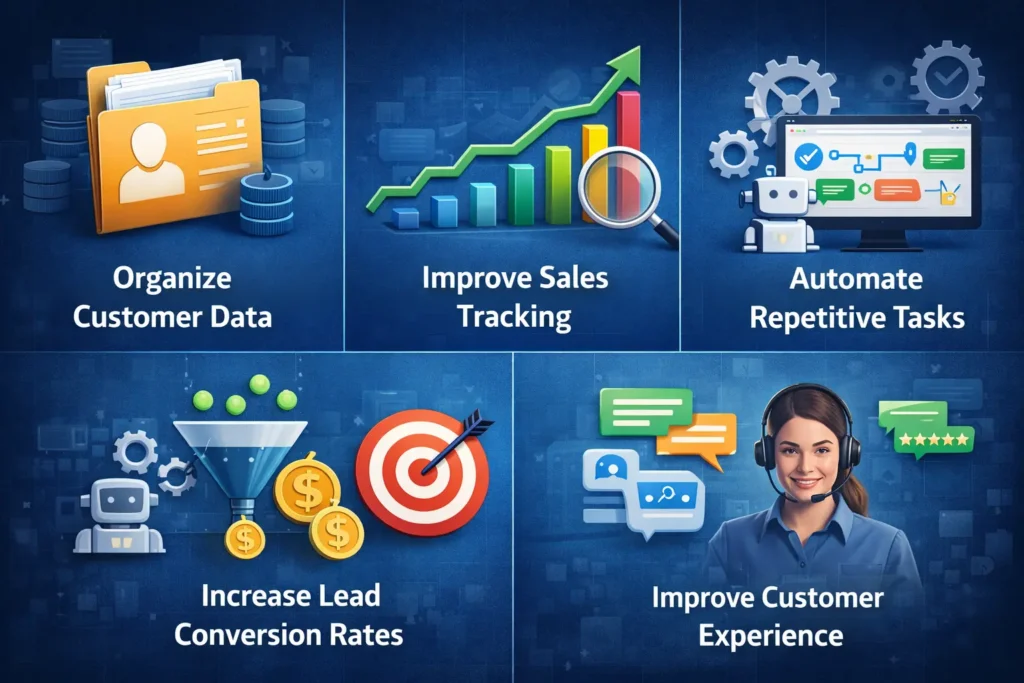
Zoho CRM helps businesses organize customer data in one centralized system for better management.
It allows companies to improve sales tracking by monitoring leads, deals, and sales activities in real time.
Businesses can automate repetitive tasks like follow-ups, lead assignments, and reminders to save time.
With better lead management and automation, companies can increase lead conversion rates effectively.
By managing customer interactions efficiently, Zoho CRM helps businesses improve overall customer experience.
Step-by-Step Zoho CRM Implementation Process
Step 1: Define Business Goals
Before starting the Zoho CRM implementation, small businesses should clearly identify their sales and customer management goals. Defining objectives helps design a CRM system that aligns with your workflow and long-term business growth.
Increase sales conversions
Improve lead management
Track customer interactions
Automate follow-ups
Step 2: Choose the Right Zoho CRM Plan
Selecting the right plan is an important part of Zoho CRM implementation for small businesses because each plan offers different features and automation capabilities. Choosing the right Zoho CRM package ensures that your business gets the tools needed for growth and scalability.
Standard Plan
Professional Plan
Enterprise Plan
These plans include features like sales automation, reporting, analytics, and advanced customization.
Step 3: Import Your Business Data
During the Zoho CRM setup process, businesses need to migrate their existing customer and sales data into the system. Proper data import ensures that your CRM starts with accurate information and allows teams to manage leads efficiently.
Common data imported includes:
Customer contacts
Leads
Companies
Sales deals
Email conversations
Zoho CRM allows data migration through CSV files, integrations, or third-party applications.
Step 4: Customize CRM Modules
Customization is one of the biggest advantages of Zoho CRM for small businesses. By customizing modules and fields, businesses can adapt the CRM platform to match their unique sales processes and customer management workflows.
Businesses can customize:
Sales pipelines
Fields and forms
Lead stages
Deal stages
Customer data structure
This customization helps businesses manage sales pipelines more effectively.
Step 5: Automate Sales Workflows
Automation plays a key role in Zoho CRM implementation, allowing businesses to reduce manual work and improve productivity. With Zoho CRM automation, companies can streamline repetitive tasks and ensure faster responses to leads.
Common automation examples include:
Automatic lead assignment
Email follow-ups
Task reminders
Lead scoring
Sales notifications
These automations help businesses improve lead conversion rates and sales efficiency.
Step 6: Integrate Zoho CRM With Other Tools
To maximize the value of Zoho CRM for small businesses, integrating it with other business applications is essential. Integrations allow businesses to connect sales, marketing, finance, and customer support systems into one platform.
Common integrations include:
Email marketing tools
Accounting systems
Customer support platforms
E-commerce platforms
These integrations create a complete business ecosystem powered by Zoho CRM.
Benefits of Zoho CRM for Small Businesses
After proper implementation, businesses can experience:
Increased sales productivity
Better customer management
Improved lead tracking
Automated business processes
Data-driven decision making
Zoho CRM helps small businesses operate like large enterprises with efficient sales systems.
Conclusion
Implementing Zoho CRM can significantly improve how small businesses manage customer relationships, sales pipelines, and daily operations. With the right strategy, businesses can organize customer data, automate workflows, track sales performance, and improve lead conversion rates effectively.
However, successful Zoho CRM implementation requires proper planning, customization, and integration with existing business systems. This is where IV Corporation can help. As an experienced Zoho consulting partner, IV Corporation provides expert guidance, CRM setup, customization, and automation solutions tailored to your business needs.
If your business is looking to implement Zoho CRM efficiently and maximize its potential, partnering with IV Corporation ensures a smooth implementation process and long-term business growth.
Frequently Asked Questions
If your question isn’t covered here, feel free to contact us we’re happy to help.
What is Zoho CRM Implementation for Small Businesses?
Zoho CRM Implementation for Small Businesses is the process of setting up, customizing, and integrating Zoho CRM to manage leads, sales pipelines, and customer relationships effectively. Proper implementation helps businesses streamline operations and improve sales performance.
How long does Zoho CRM Implementation for Small Businesses take?
The time required for Zoho CRM Implementation for Small Businesses usually ranges from 1 to 4 weeks, depending on the level of customization, data migration, and integrations needed for the business.
Why is Zoho CRM for Small Businesses important?
Zoho CRM for Small Businesses helps companies organize customer data, track sales activities, automate workflows, and improve lead conversion rates. It provides an affordable and scalable solution for managing business growth.
Can Zoho CRM be customized for small business needs?
Yes, Zoho CRM for Small Businesses is highly customizable. Businesses can modify modules, create custom fields, automate workflows, and design sales pipelines to match their specific sales processes and operational requirements.
Do small businesses need experts for Zoho CRM Implementation?
While companies can set up Zoho CRM for Small Businesses on their own, working with a certified Zoho partner like IV Corporation ensures faster Zoho CRM Implementation for Small Businesses, better customization, and a more efficient CRM setup.