What is Zoho Notebook AI Features
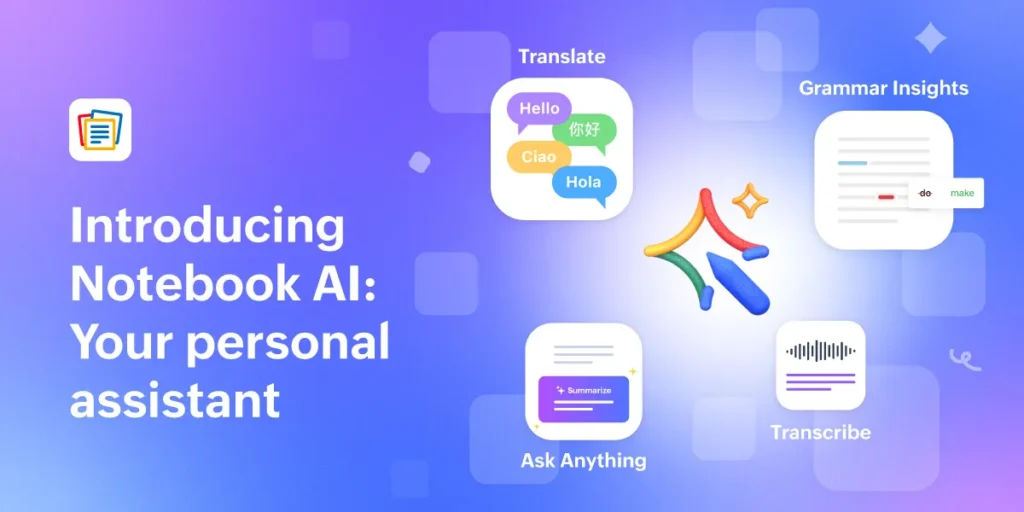
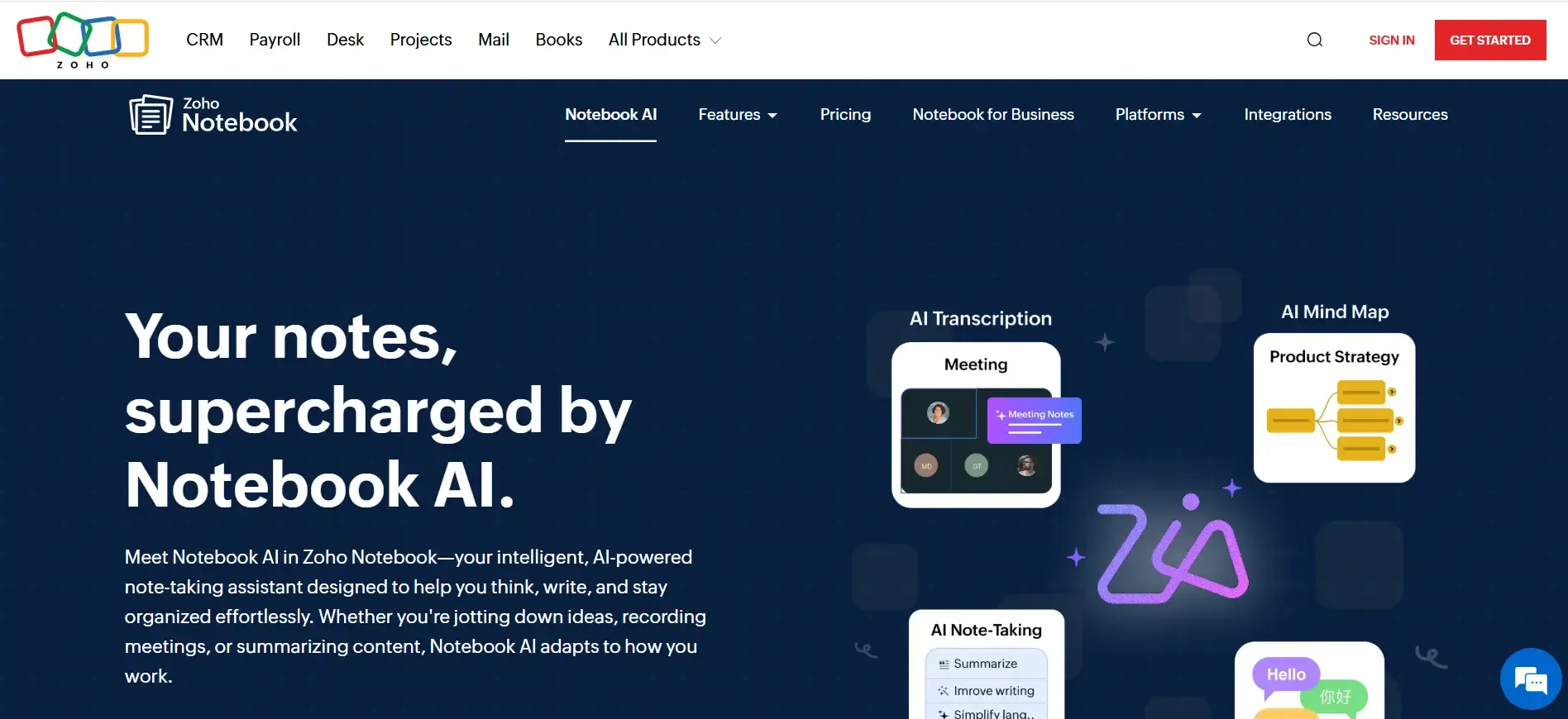
Artificial intelligence is no longer optional in productivity tools — it’s essential. With its latest update, Zoho Notebook introduces powerful zoho notebook AI features designed to make note-taking smarter, faster, and more accessible: multilingual voice search and AI-powered translation.
Backed by Zoho Corporation, this update positions Zoho Notebook as a serious competitor in the AI note-taking space — especially because these zoho notebook ai features are available in the free student version.
As someone who has worked in digital productivity systems and SaaS tools for years, I can confidently say: this is not just another feature update — it’s a usability upgrade.
Businesses looking for smarter documentation tools can explore Zoho Notebook AI features to improve productivity and multilingual collaboration.
What’s New in Zoho Notebook’s AI Update?
The latest enhancement introduces:
- AI-powered multilingual voice search
- Instant note translation
- Improved search accuracy
- Enhanced accessibility for global users
Instead of manually typing keywords to find notes, users can now speak in their preferred language and instantly retrieve relevant content. The translation feature allows notes to be converted into other languages within seconds.
This dramatically improves:
- Productivity speed
- Accessibility
- Multilingual collaboration
- Student learning efficiency
Multilingual Voice Search: Breaking Language Barriers
What Is Multilingual Voice Search?
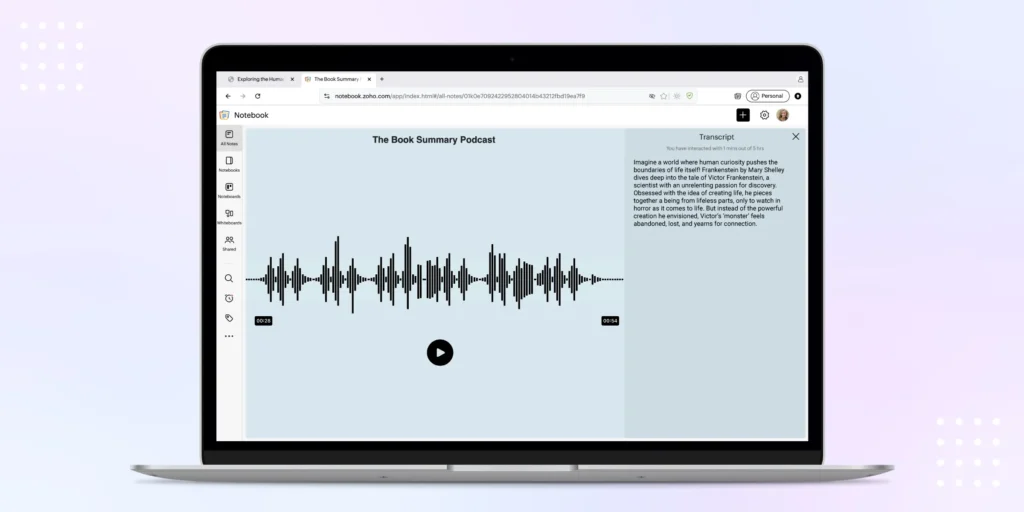
Multilingual voice search allows users to speak naturally in different languages to search their stored notes. Instead of typing keywords, the AI interprets voice commands and fetches matching content instantly.
This is particularly useful in multilingual countries and international education environments.
How It Works in Zoho Notebook
- Tap the voice search option
- Speak your query naturally
- AI processes context and language
- Relevant notes appear instantly
The system understands multiple languages, improving search flexibility for global users.
Why It Matters
From experience, one of the biggest productivity killers is time wasted searching for information. During exams or meetings, every second counts.
Voice search enables:
- Faster retrieval
- Hands-free access
- Accessibility support
- Improved workflow efficiency
Compared to apps like Evernote, Microsoft OneNote, and Google Keep, Zoho’s built-in multilingual AI approach provides a stronger inclusivity advantage.
AI-Powered Translation: Notes Without Borders
What Does the Translation Feature Do?
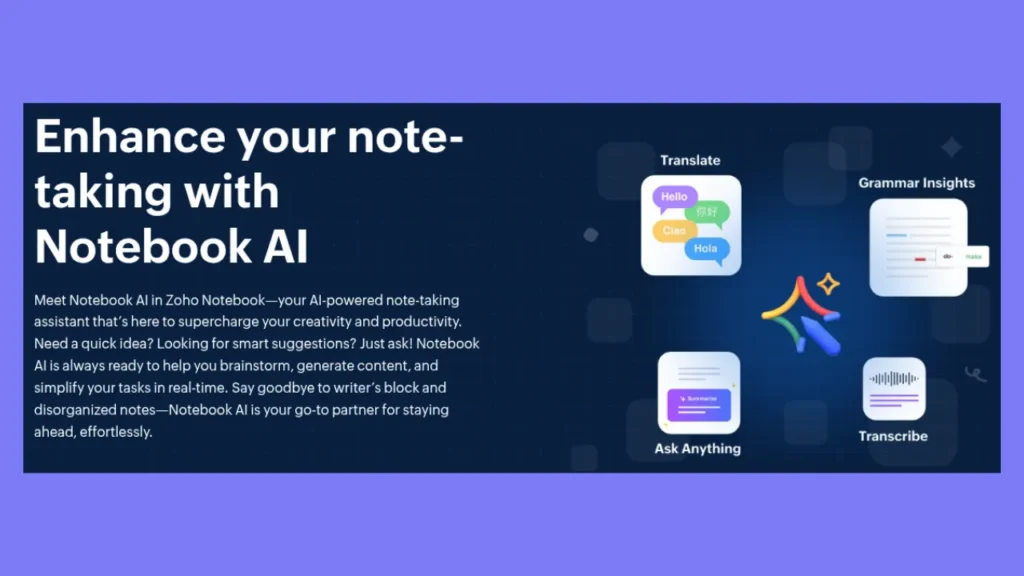
The AI-powered translation tool allows users to instantly convert notes into different languages.
This is ideal for:
- International students
- Cross-border teams
- Researchers
- Language learners
Instead of copying text into external translation tools, everything happens inside the app.
Real-World Use Cases
From my professional observation:
- Students translate lecture notes for better understanding
- Teams collaborate across regions
- Researchers convert source material instantly
- Language learners practice comprehension
This eliminates friction and keeps workflows centralized.
AI Features Available in the Free Student Version
One of the strongest competitive advantages is accessibility.
Unlike many AI tools locked behind premium paywalls, Zoho Notebook offers these AI capabilities in its free student version.
This makes it:
- Budget-friendly
- Inclusive
- Competitive in the AI productivity space
For students especially, access to AI without subscription pressure is a significant value add.
How Students Benefit from AI-Enabled Note-Taking
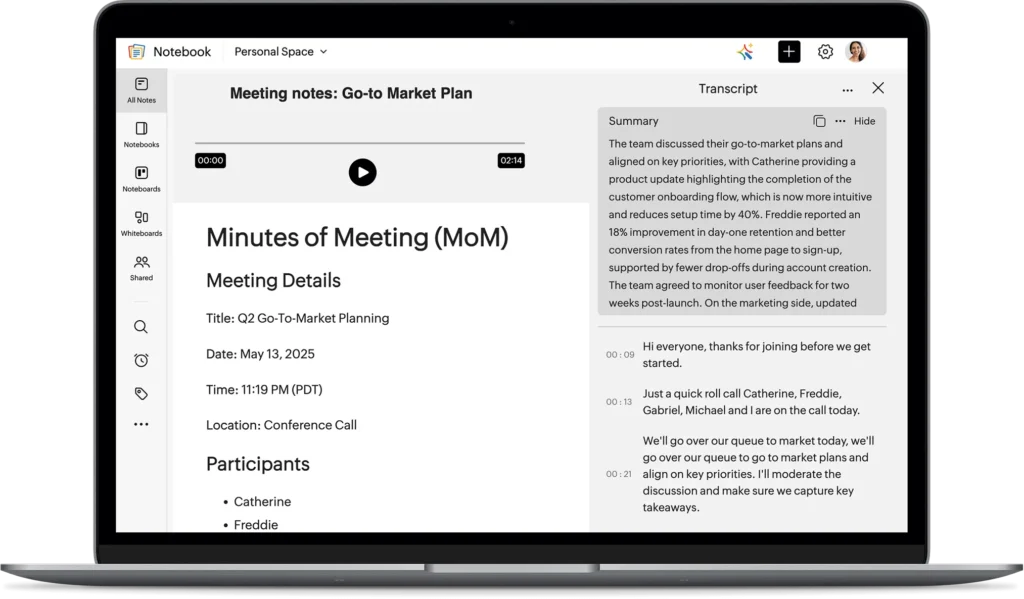
AI is not just about automation — it’s about reducing cognitive load.
Students benefit through:
- Faster revision using voice commands
- Better organization
- Multilingual learning support
- Reduced time spent searching
- Increased study efficiency
In high-pressure academic environments, this matters.
Zoho Notebook AI features vs Traditional Note-Taking Apps
Feature | Zoho Notebook | Traditional Apps |
Voice Search | AI-powered & multilingual | Basic/manual |
Translation | Built-in AI | External tools required |
Student Access | Free AI features | Limited |
Accessibility | High | Moderate |
The AI integration gives Zoho Notebook a modern edge in the productivity app market.
How to Start Using These zoho notebook AI Features
Getting started is simple:
- Download Zoho Notebook
- Update to the latest version
- Access voice search via the search bar
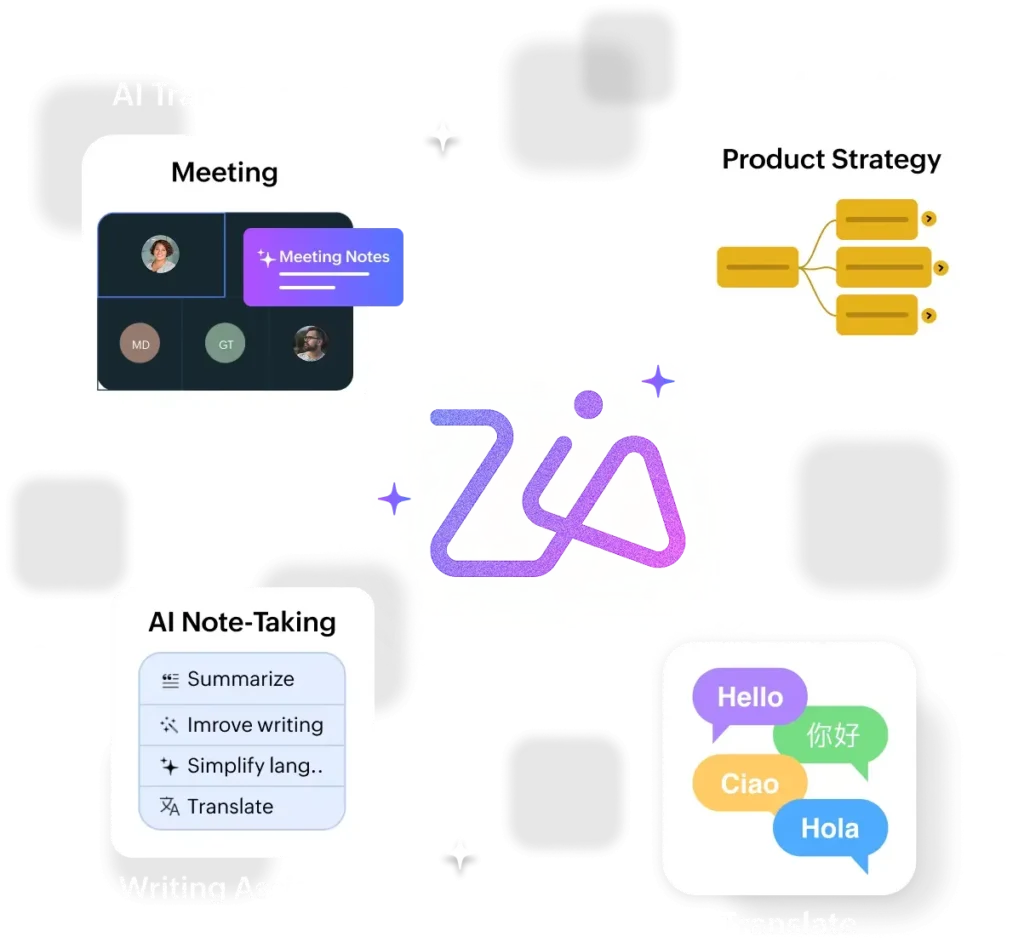
- Use translation within note options
The app works across:
- Mobile devices
- Desktop
- Web version
No complex setup required.
The Future of AI in Note-Taking
AI is transforming productivity tools from static storage systems into intelligent assistants.
We are moving toward:
- Context-aware note retrieval
- Predictive organization
- Smart summaries
- Cross-language collaboration
Zoho Notebook AI feature integration shows a forward-thinking direction in smart note management.